In this article i want to share my experience with setup Kali Linux on Distrobox, this methode not always use on distrobox, you can use in other container base like docker because distrobox use Kali Linux container.
Contents
Setup Distrobox
First you must be install distrobox on your Linux Desktop, you can install easily with the commnad :
# Debian/Ubuntu base
sudo apt install distrobox

# RHEL/Fedora
sudo dnf install distrobox

# Manjaro
sudo pacman -Sy distroboxCreate new Box
After installing distrobox, try to create new box from Kali Linux
distrobox create --name Kali --image docker.io/kalilinux/kali-rolling:latestNotes:
- distrobox create : command for creating new box
- Kali : name of box you created
- docker.io/kalilinux/kali-rolling:latest : Image of Kali Linux
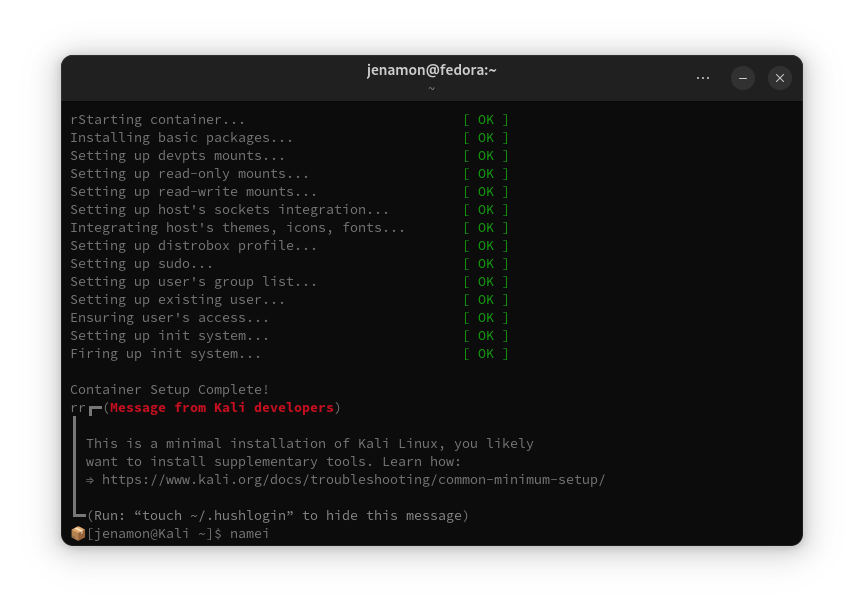
Wait until the setup finish like this
Install Kali Tools
In first running container Kali Linux in distrobox or docker, the kali linux image is only fresh system without tools for cyber security like you Installing Kali from VirtualBox or Installing in host. So we must install the tools manually, for setup you can run this
apt update && apt -y install kali-linux-headless
apt update && apt -y install kali-linux-largeMake sure you have stable internet, because system will download full package needed. But if you want to add only some tools, you can install as usual.
sudo apt update && sudo apt install -y BoxBuddy – Distrobox GUI Tools
Distrobox can creating many box on your host OS, if you want to manage easily you can try using Boxbuddy.
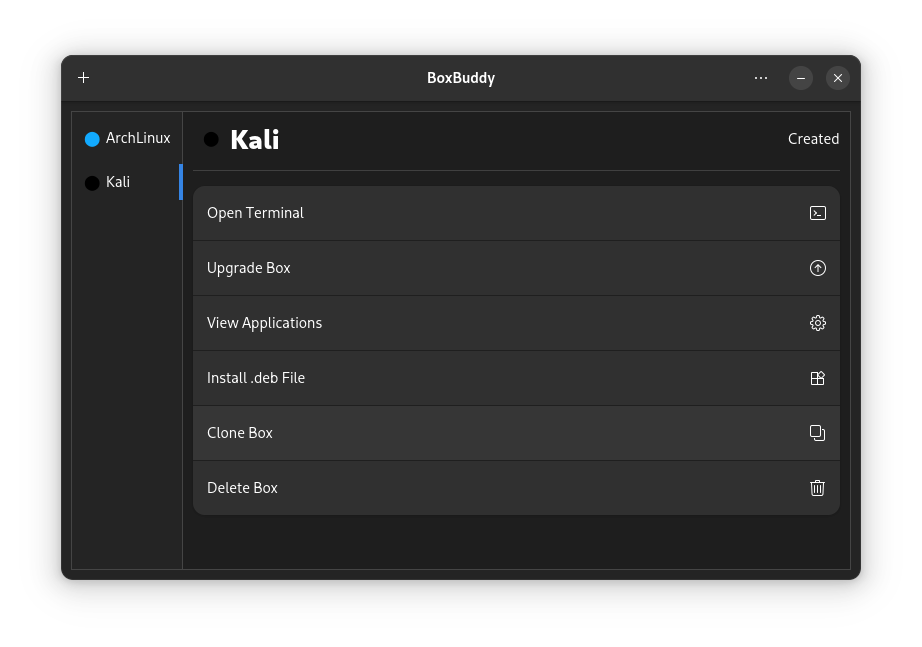
BoxBuddy available in Flatpak, you can install on your Software Center or install from terminal like that.
flatpak install flathub io.github.dvlv.boxbuddyrsFinale
Finally tou can use the tools of Kali Linux in your container easily with low resource your computer rather than Virtual Machine, but i not yet use the kali linux for long time with distrobox. May i can update later for experiece. Thanks
Reference
- https://medium.com/codex/how-to-set-up-kali-in-docker-for-hacking-c60360d622fc
- https://github.com/89luca89/distrobox/tree/main/docs