Phpmyadmin is web frontend for managing mysql or mariaDB, many people using this application including me. In GNU/Linux we can natively install phpmyadmin with command like that :
# Ubuntu/DEBIAN
sudo apt install phpmyadmin

# Fedora/RHEL
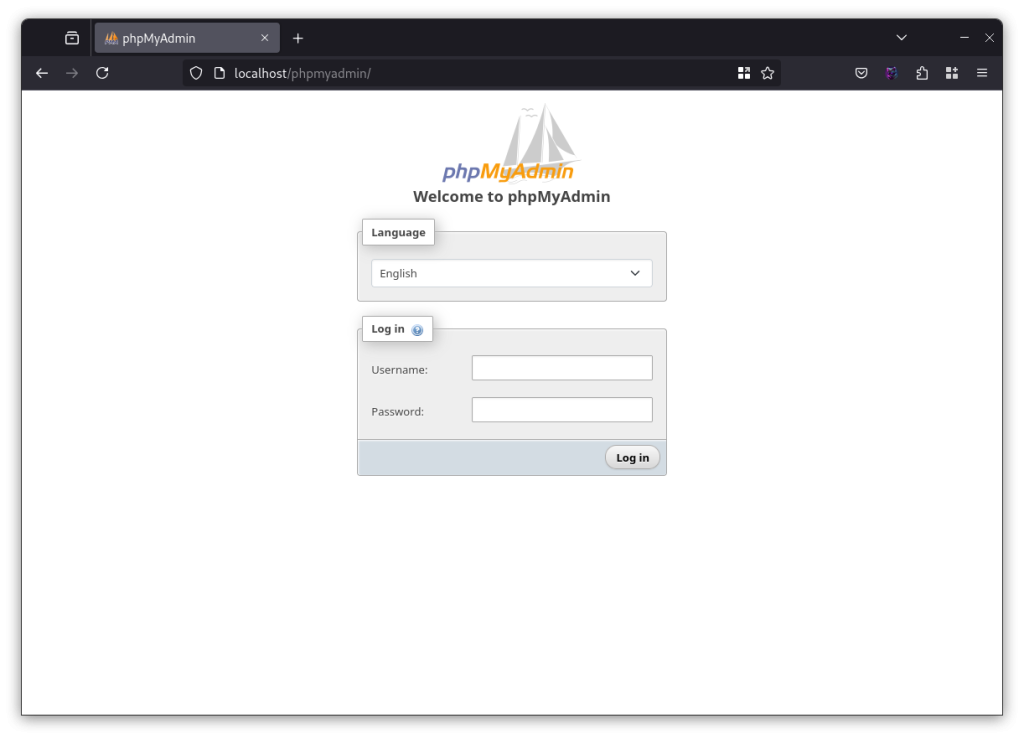
sudo dnf install phpmyadminAnd we can access phpmyadmin with localhost/phpmyadmin in browser. But if you install phpmyadmin to be container docker, you can’t be access phpmyadmin using the url direcly, except you install phpmyadmin in webserver container but its not recommended.
So we can access phpmyadmin using port pointing, example the phpmyadmin container pointing for port 8080 to host and we can access in browser using localhost:8080 with no included /phpmyadmin.
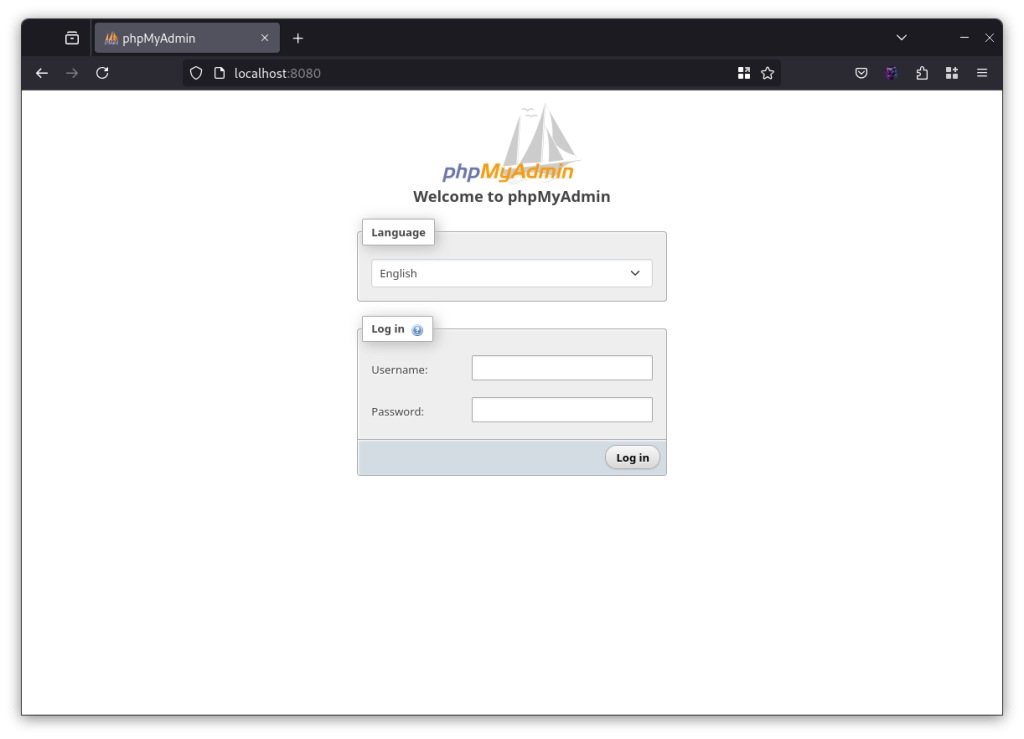
How i can access phpmyadmin docker with /phpmyadmin from webserver ?
If you want to use traditional access to phpmyadmin with docker container methode, you must be setup proxy in your webserver. In my case webserver using nginx and i creating the new configuration for pointing directory /phpmyadmin to container phpmyadmin.
Add below script to your nginx.conf
location ^~ /phpmyadmin/ {
    proxy_set_header X-Real-IP $remote_addr;
    proxy_set_header X-Forwarded-For $remote_addr;
    proxy_set_header Host $host;
    proxy_pass http://phpmyadmin/;

}Notes : http://phpmyadmin/ is name of container service your created, if you create other name, you can change this
After that, add environment PMA_ABSOLUTE_URI: http://localhost/phpmyadmin in your docker run/docker compose of phpmyadmin. If your did’nt add you can’t directly to dashboard after login phpmyadmin. for Example :
phpmyadmin:
    image: phpmyadmin:latest
    container_name: myadmin
    environment:
      PMA_HOST: db.web
      PMA_ABSOLUTE_URI: http://localhost/phpmyadmin
    networks:
- webapps-netNext, include nginx.conf to your webserver container, restarart and try to check your configuration.
Example Code
If you want to try my code for this case, you can see my github repo Here !
Conclution
The phpmyadmin in native methode can access directly with add /phpmyadmin end of url webserver because the apps installed on same host but if we use docker method, webserver and phpmyadmin ussualy in different container so we need access phpmyadmin using differen port of container, but we can get arrount it with creating proxy in webserver to direct access from localhost/phpmyadmin to container phpmyadmin.
Reference
- https://serverfault.com/questions/1102874/phpmyadmin-with-nginx-in-docker-proxy-not-working